Continuous monitoring. Instant alerts. Minimize downtime.
Clear and simple status pages for service updates.
Publish service availability, incidents, and maintenance information in one place. Help users stay informed and reduce support requests with easy-to-manage status pages.
Quick Setup
Create and publish a status page in minutes with simple configuration steps and minimal setup.
Performance Metrics
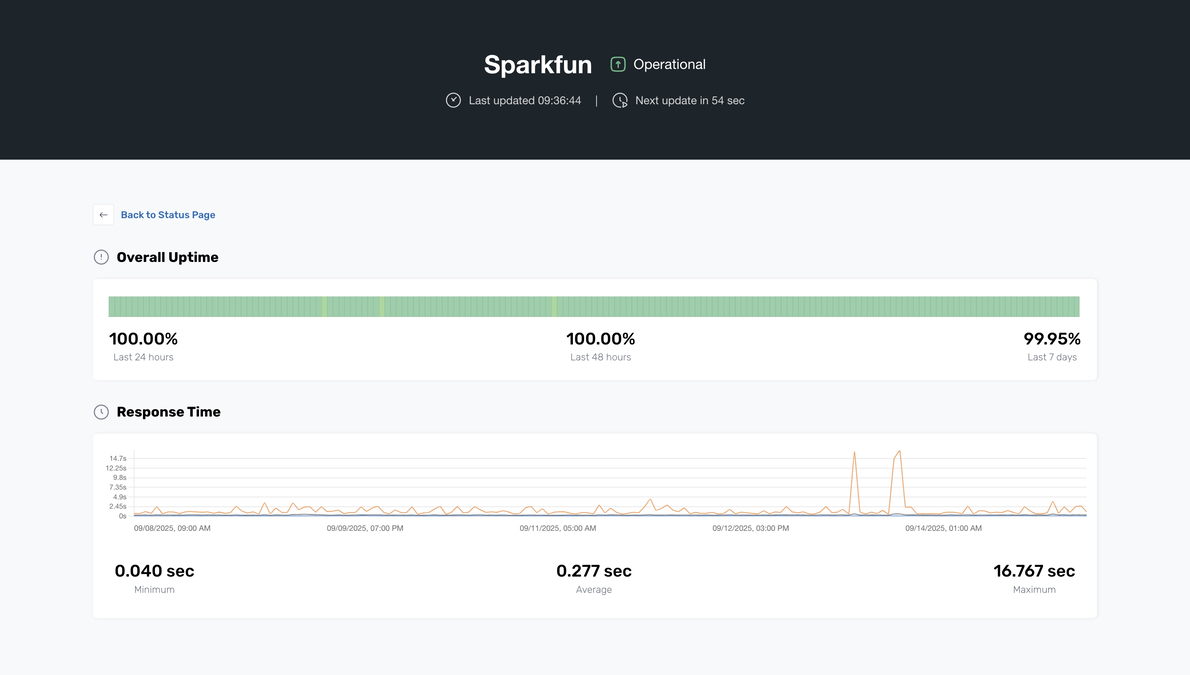
Display overall uptime and average response time for the selected probe group to provide a quick service overview.
Access Control
Create public or private status pages based on your needs. Public pages can be protected with a password for controlled access.
Targeted Monitoring
Select specific probe groups to display on each status page for flexible service visibility and better organization.
Public Link Sharing
Share a direct link to your status page so users and stakeholders can easily check current system status.
Timeframe Options
Provide flexible time range options so users can review status data for the past day, week, or month.
Get Started With a Free Account
Farsafe's Individual account offers a wide variety of monitoring tools, ensuring you stay informed and in control without any hidden fees.
